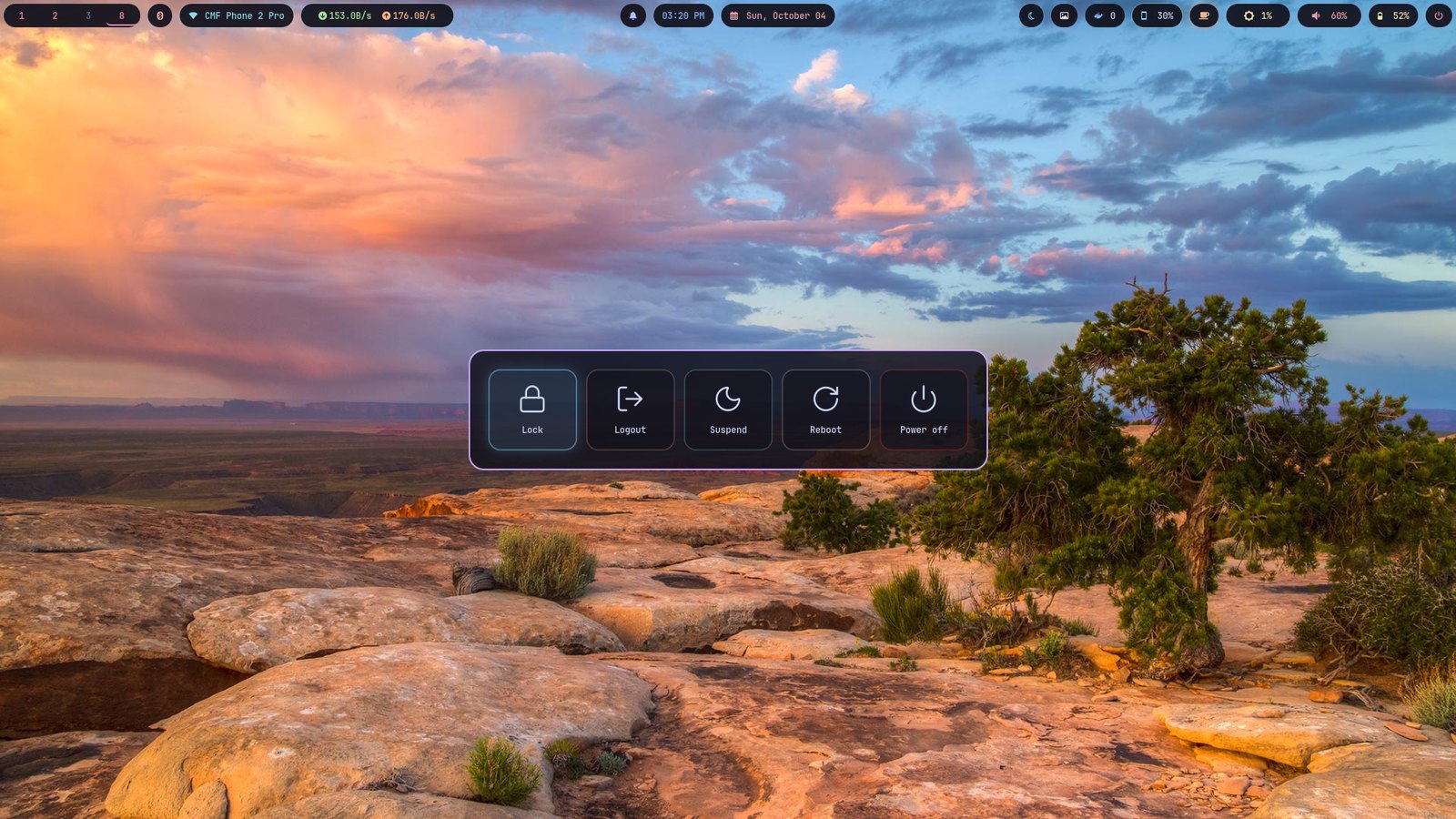

What's in it
Sway
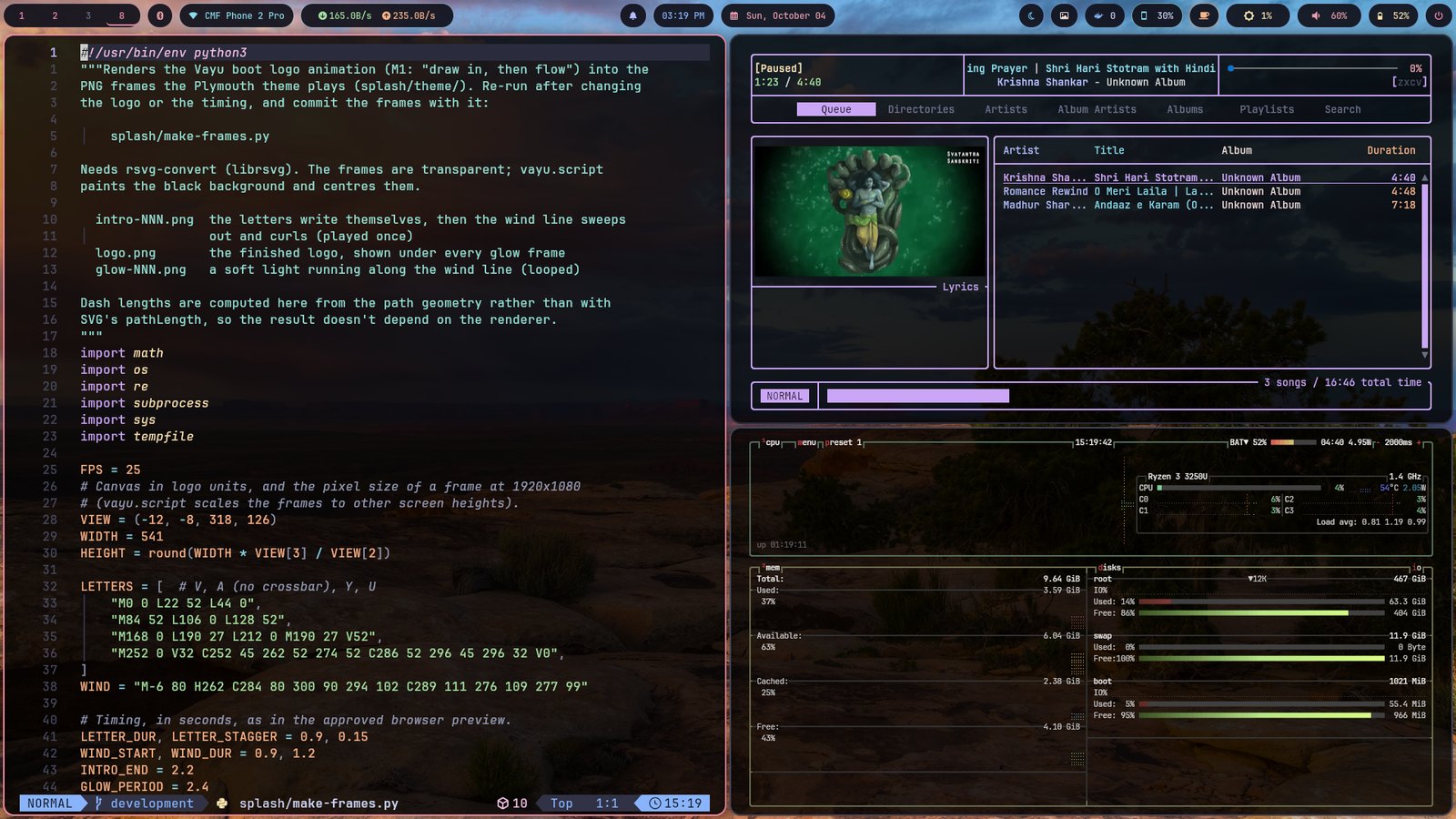
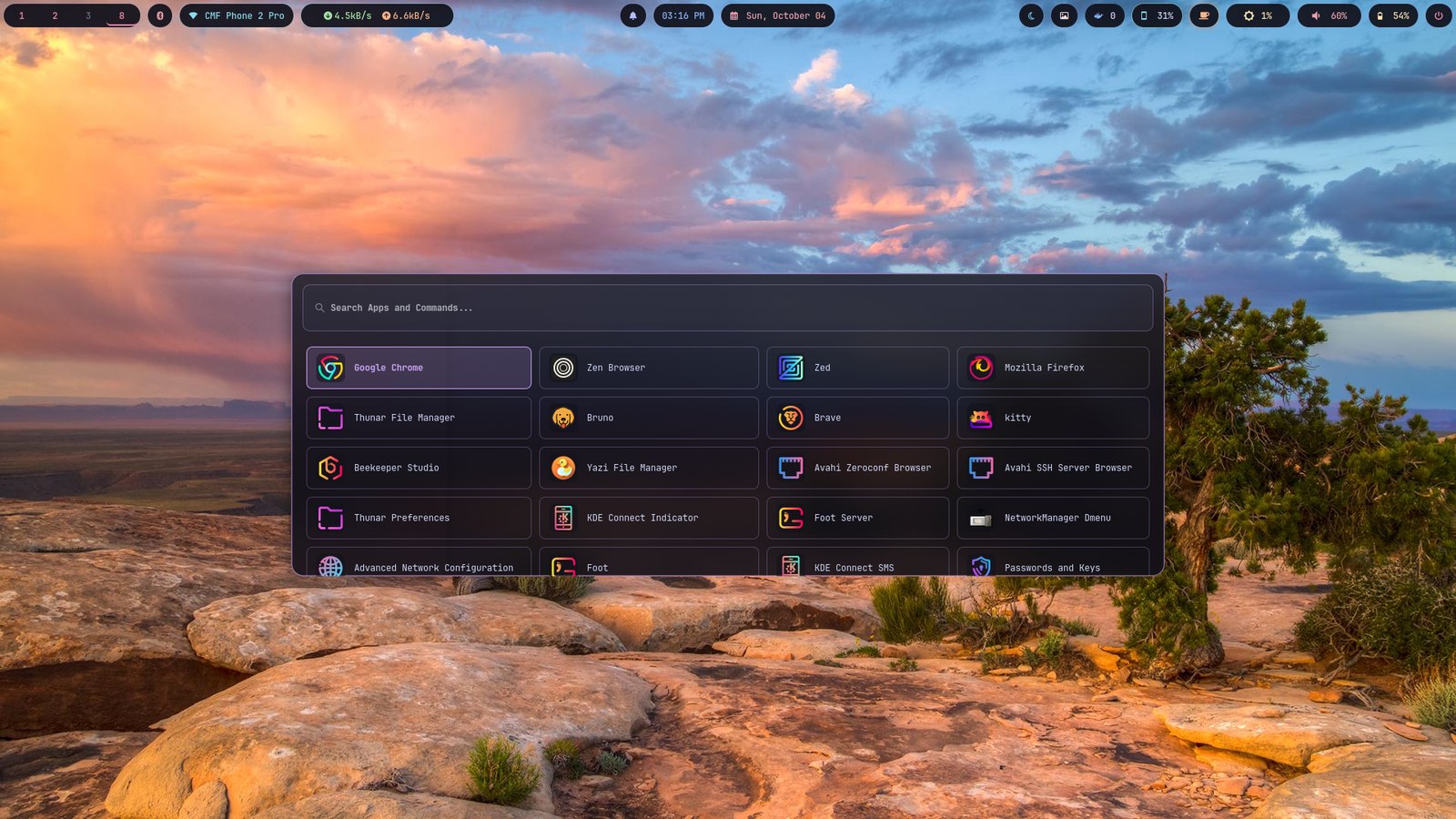
Tiling Wayland compositor (SwayFX fork — real compositor blur, rounded corners, shadows). Keyboard-first, no mouse required.
Waybar
Status bar with a fully custom Catppuccin Mocha palette — every module gets its own deliberate, distinct color.
MPD + nāda
A real MPD daemon under nāda, Vayu's own music player: your files and YouTube in one queue, synced lyrics, autoplay like YouTube, downloads, vim keys.
Kitty + Tmux
GPU-accelerated terminal, real glass transparency, session persistence via tmux-resurrect/continuum.
Neovim
A from-scratch, minimal Neovim config — no bloated distro, every plugin a deliberate choice.
GNU Stow
Every package here is a real, independent, symlinked stow package — reproducible, one command per tool, easy to audit.
Install
On a fresh Arch install, after archinstall finishes and you're logged
into a TTY as your normal user with networking up, pick a channel:
bash <(curl -fsSL https://raw.githubusercontent.com/Theyashsawarkar/vayu/main/install.sh) stableStable tracks main — tagged releases only, the safest choice.
This installs every package, stows every config in this repo, sets up zsh/tmux/the Nerd Font the status bars need, and enables the required services. It backs up any pre-existing conflicting dotfiles first, and is safe to re-run. Not sure which channel to pick? Stay on Stable — Nightly is for tracking day-to-day changes as they land, and can break.
Full walkthrough, manual/step-by-step installation, and how to add your own packages: see the full README on GitHub. Something not working? Troubleshooting lists known problems and their fixes.
Read more
Architecture
How every package maps to $HOME, every real bug found and fixed, with the full reasoning — not a polished summary.
Keybindings
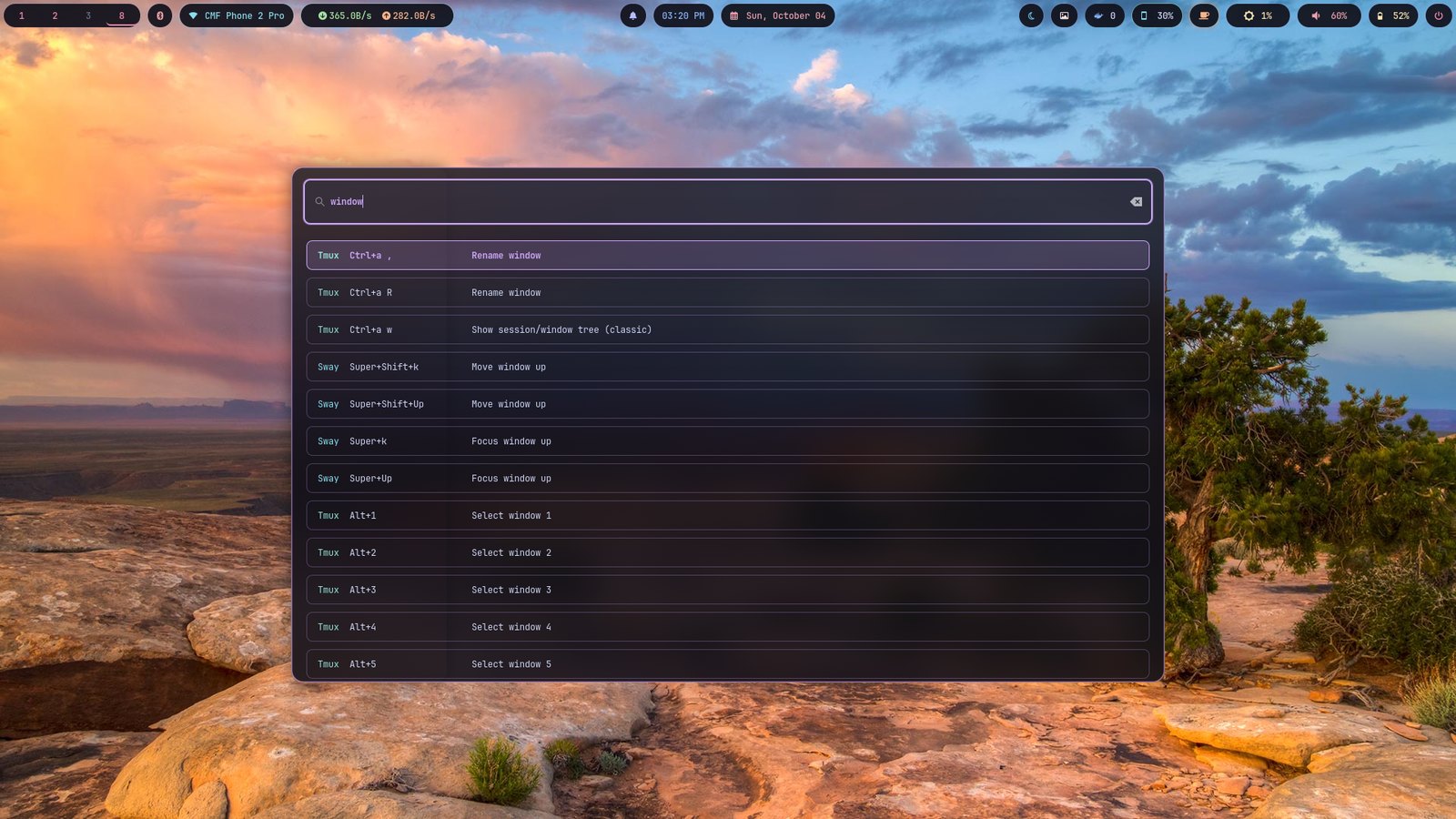
Every Sway and Tmux keybinding, generated straight from the real configs — not a list to fall out of sync.
Tools
Tools the desktop provides, starting with AI tools — like anumati: an agent asks to run root commands, you approve exactly which, once.
Troubleshooting
Known problems by symptom — a shutdown that hangs, text after the logo, a login that won't start — and the exact commands to fix each.
Changelog
Dated, detailed log of what changed and why, newest first — the real history, not rewritten.
Versioning
The main/development branch model, Stable/Nightly channels, and release process this repo actually follows.